


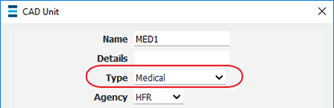
CAD Unit Types describe the type of unit such as Fire, Medical or Law Enforcement and are used to configure each CAD unit.
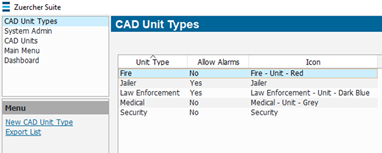
· System Admin > CAD > Unit Types
· Already configured CAD Unit Types will display in the list and can be edited by double clicking or deleted by highlighting blue and selecting delete on the keyboard.
· Select New CAD Unit Type
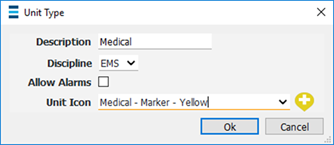
o Description – Name of the type of unit
o Discipline - Assigns a specific discipline to the unit type, ties into filtering on the CFS Call Details window
o Allow Alarms – If checked, then allows status alarms on the unit
o Unit Icon – Icon shown next the unit’s name on the CAD windows