· System Admin > System > Common Addresses
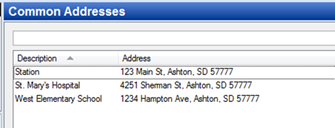
· Already configured Common Addresses will display in the list and can be edited by double clicking or deleted by highlighting blue and selecting delete on the keyboard.
· Select New Common Address.
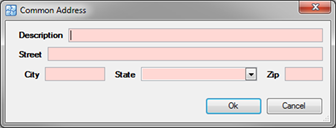
· Description – Name of the common address familiar with your users.
· Street, City, State & Zip
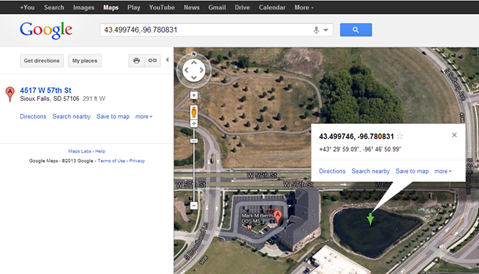
o NOTE: Street field can use latitude and longitude values (see example below).
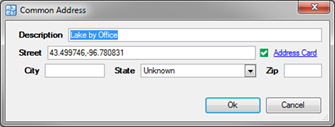
· Type the common address in the Street field on a CFS.

· Select the Web Map CFS Address on the CFS to map the location.