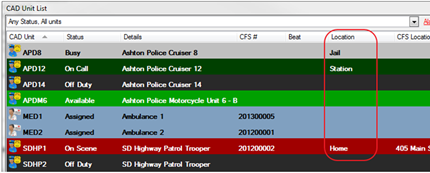
CAD Unit Locations are common locations of the CAD units such as the station, hospital or jail. The unit locations are available on the Command Line and the CAD Unit List window to describe the specific location of a unit. In Mapping, CAD Unit Locations can be mapped by connecting the location to a Station and a Common Address.

NOTE: This location is different than the CFS Location field
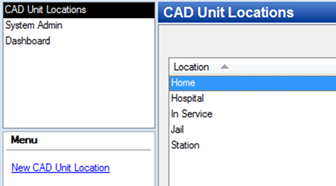
· System Admin > CAD > Unit Locations
· Already configured Unit Locations will display in the list and can be edited by double clicking or deleted by highlighting blue and selecting delete on the keyboard.
· Select New CAD Unit Location
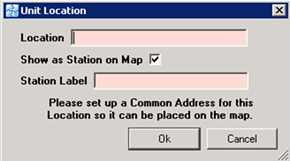
o Location – Name of the location
o Show as Station on Map – If checked, then a Common Address and a Station must be configured. The Common Address and the Station must have the same name.
o Station Label – Type the name of the Station
§ System Admin > System > Common Address > New Common Address
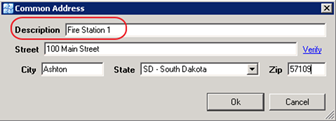
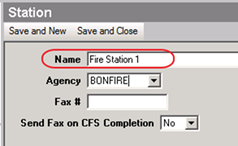
§ System Admin > CAD > Stations > New Station
· Please see the Stations sections on how to configure stations