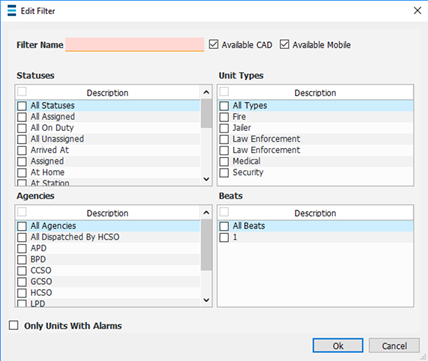
Unit List Filters allows an administrator to create specific filters on the CAD Unit List window. To view the CAD Unit List window go to CFS Log > New CAD Window > CAD Unit List.
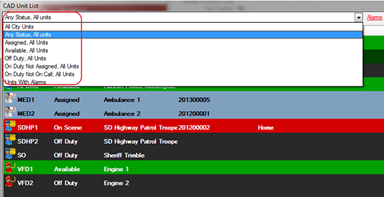
· System Admin > CAD > Unit List Filters
· Already configured Unit List Filters will display in the list and can be edited by double clicking or deleted by highlighting blue and selecting delete on the keyboard.
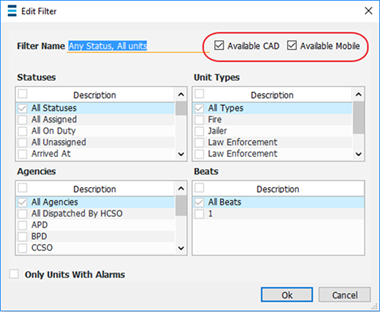
o Additionally, each CFS Unit Filter can be double clicked on, on the top right side of the displayed window check boxes can be selected to determine where this filter should or should not display (i.e. available in CAD or available in Mobile CAD).
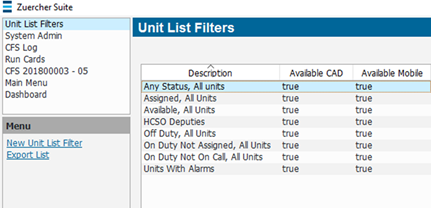
· Select New Unit List Filter