


Import map layers used on the run cards to recommend specific units based on the unit’s location.
1. Navigate to System Admin > CAD > Map Layers.
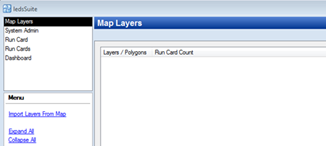
2. Select Import Layers from Map to import all layers.
3. Select Expand All to view the polygons within a specific layer.