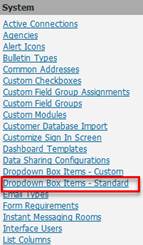
1. Navigate to System Admin > System > Dropdown Box Items – Standard.
2. Select the specific drop-down to configure.
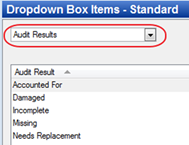
3. Each item listed is what users will see in the drop-down in the module.
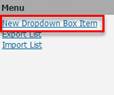
4. Select New Dropdown Box Item to add another item to the dropdown