CFS Workflow Rules help create and manage tasks in the CFS
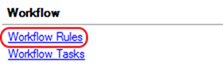
· System Admin > Workflow > Workflow Rules
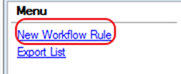
· Select New Workflow Rule
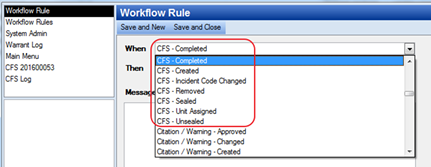
· The When field determines the event that causes the workflow to initiate (a trigger), there are multiple CFS workflow rules
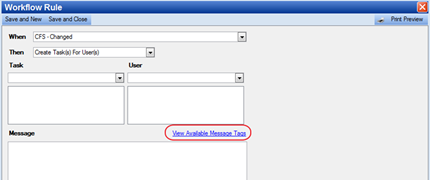
· The Then field determines the action of the workflow once it has been triggered
o Common Examples are: Create Task for User, Create Task for User Group, Finish Task for User, Finish Task for User Group
o A Workflow Task is then chosen based on the Then criteria
The Workflow Task is what users see when they are assigned a task
o The Users/User Group determines whether the Task is assigned to a Personnel Group or to specific user or users.
· The Then field determines the action of the workflow once it has been triggered
o Common Examples are: Create Task for User, Create Task for User Group, Finish Task for User, Finish Task for User Group
o A Workflow Task is then chosen based on the Then criteria
The Workflow Task is what users see when they are assigned to a Case
o The Users/User Group determines whether the Task is assigned to a Personnel Group or to specific user or users.
· The View Available Message Tags allow pre-formated messages to be sent based on information in the CFS (similar to paging)