


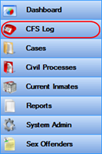
· Navigate to the CFS Log
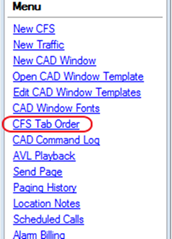
· In the Menu select CFS Tab Order
· Single click on the tab you want to change, then sse the Move Up and Move Down links to set its specific order, select OK to confirm the new order
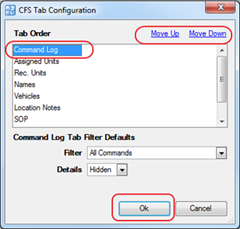
Note: Any changes made here are User Specific and will only reflect on that user name